Game-faithful restoration
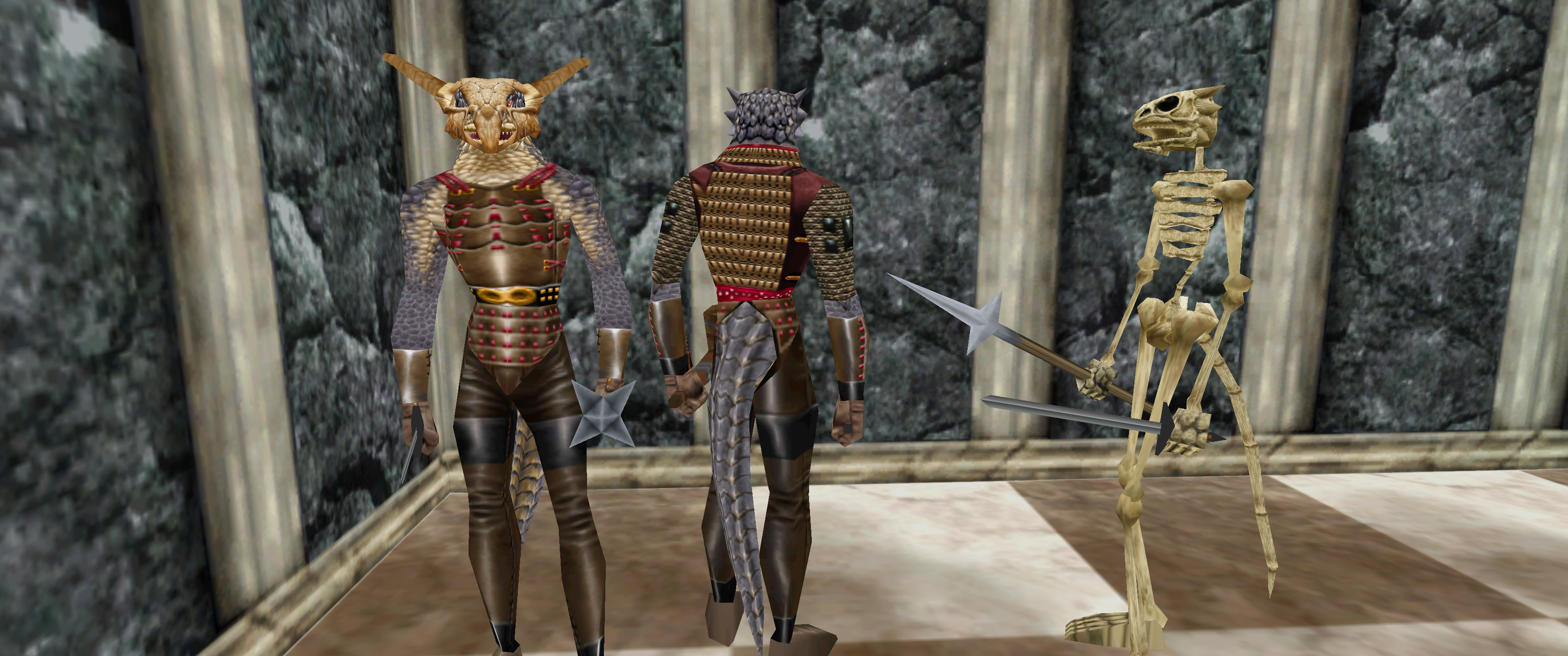
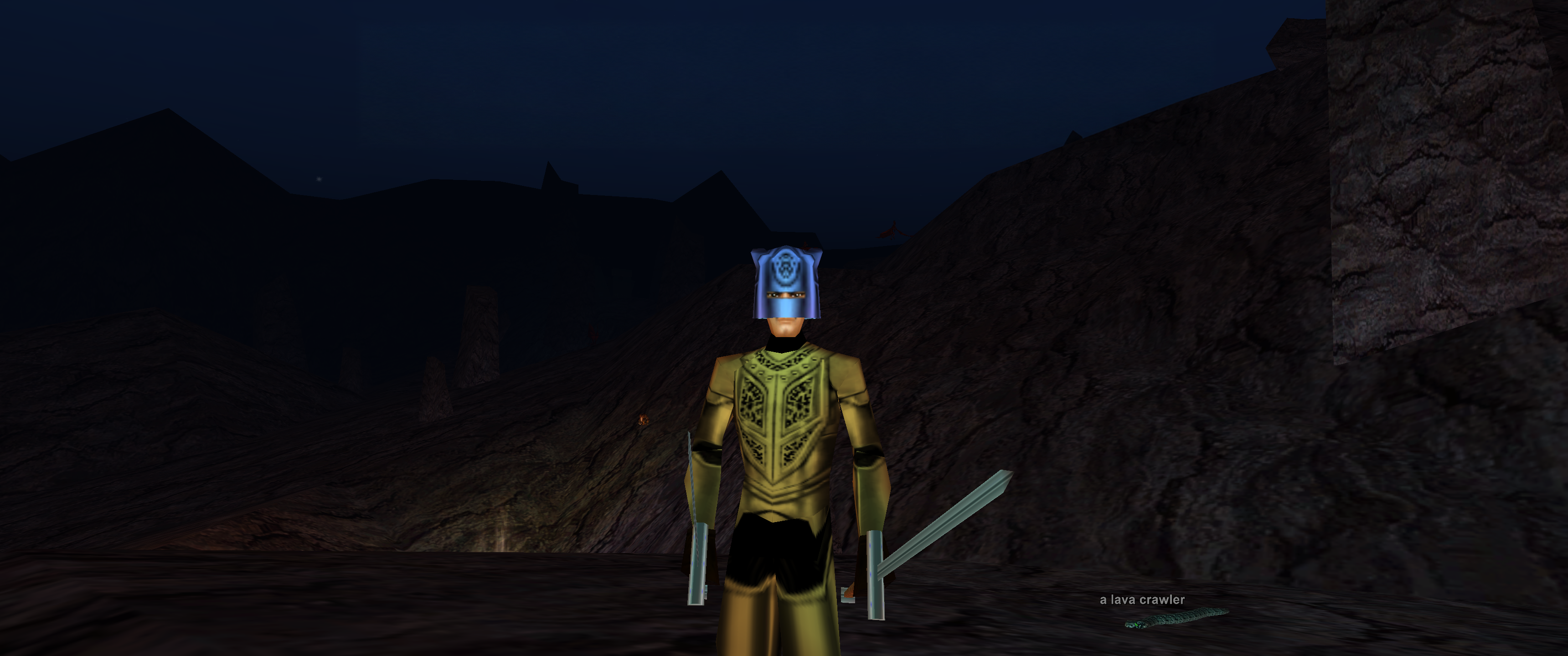
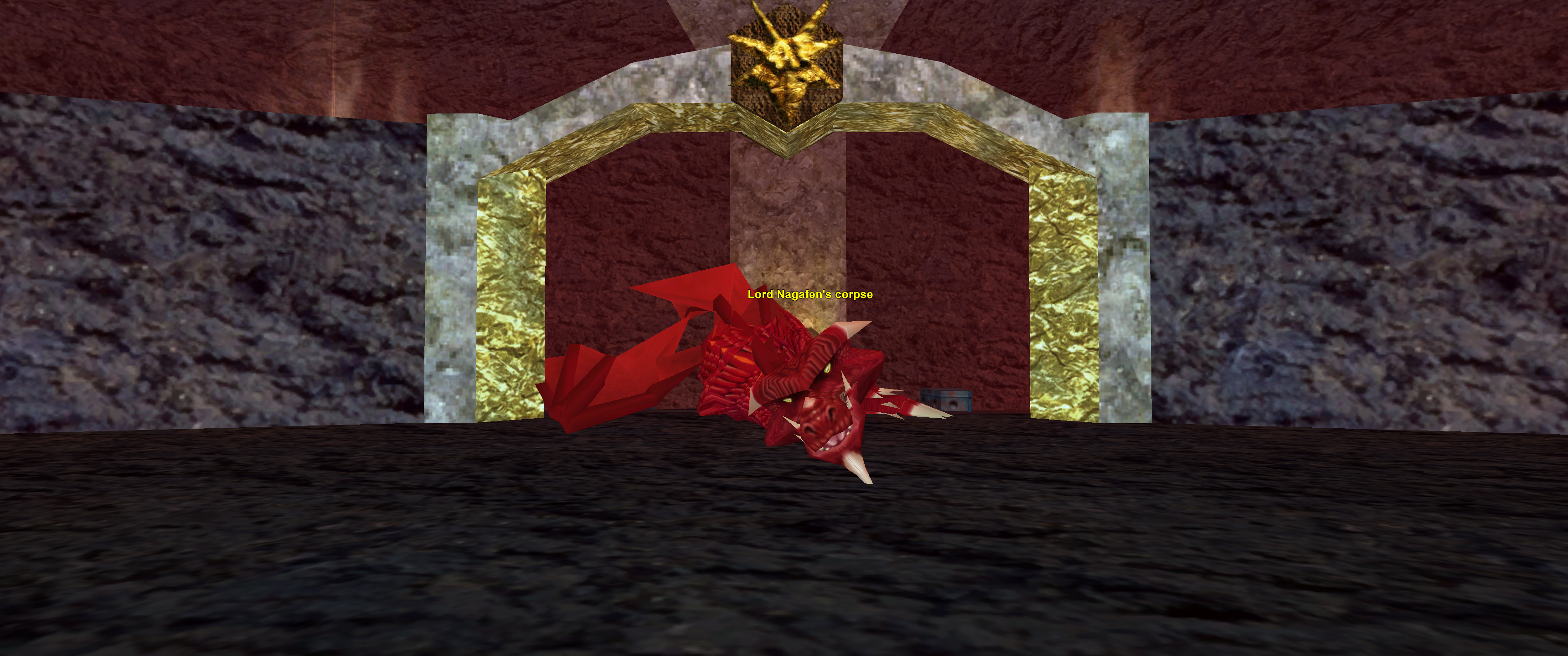
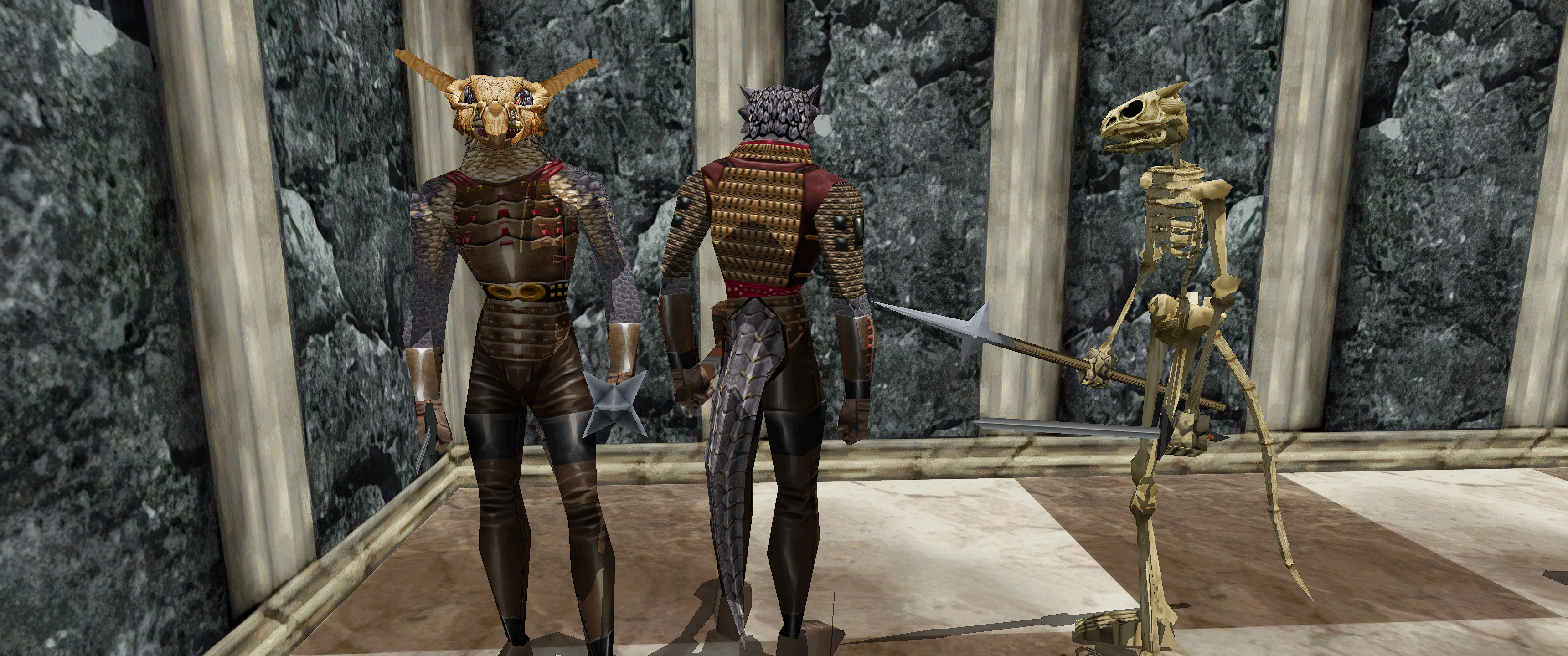
SpinTexture keeps the source palette and overall material identity in view while restoring texture detail and reducing blur.
Interactive image comparison
Drag either handle, swipe across an image, or focus a slider and use the arrow keys. The left side is the original client capture; the right side uses textures staged by SpinTexture.
Characters + equipment
 Original
Enhanced
Original
Enhanced
Lavastorm world + equipment
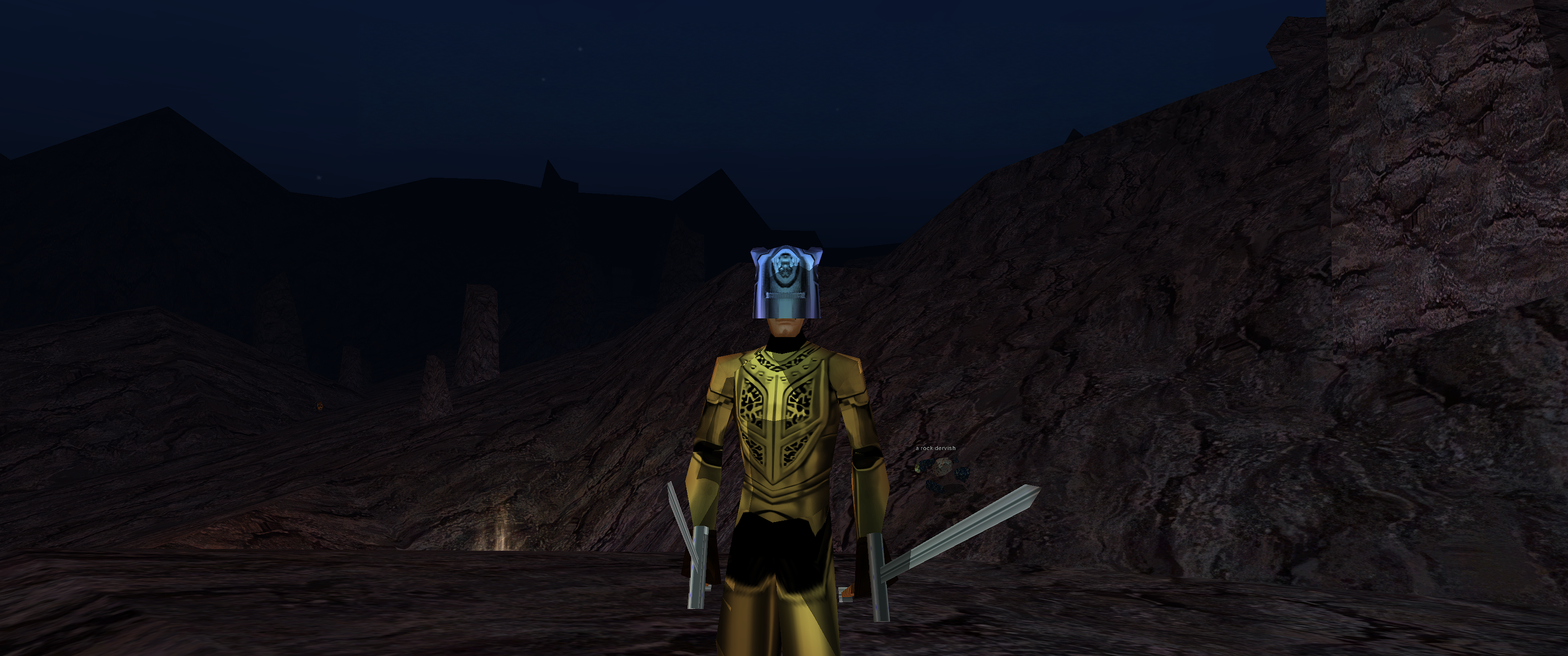 Original
Enhanced
Original
Enhanced
Nagafen's Lair world + creature
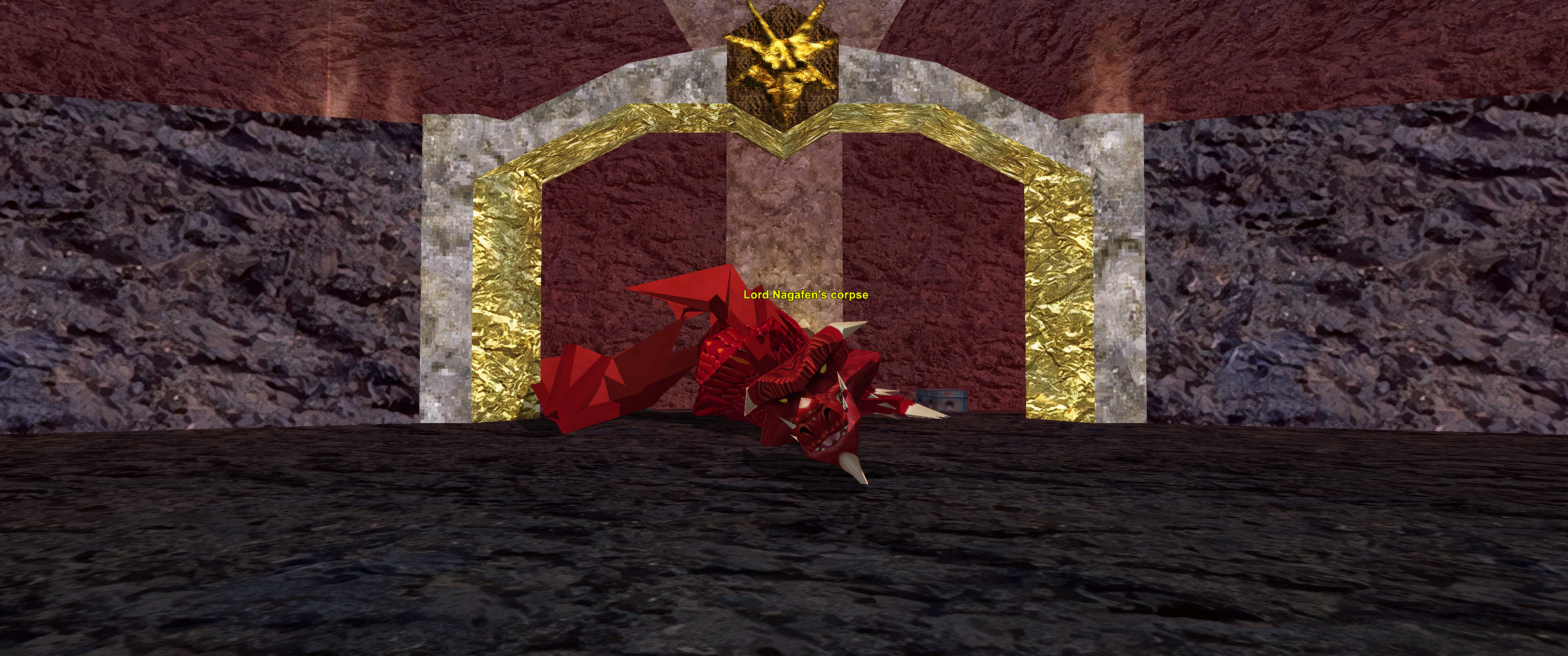 Original
Enhanced
Original
Enhanced
SpinTexture keeps the source palette and overall material identity in view while restoring texture detail and reducing blur.
No DLL injection, Direct3D hook, ReShade layer, or executable modification. Enhanced archives are staged, verified, backed up, and reversible.
The public project contains no EverQuest assets. SpinTexture processes files from the user's own installed client.